Web Ocean Blog
9-Step JavaScript SEO Debug Playbook I Use on Tool Sites (2026)
A first-person SEO debugging playbook for developer tool sites, with real error logs, fix sequence, and monetization-minded execution.
I watched clicks drop for 11 days while impressions looked stable. I did not need more posts. I needed to fix broken metadata, invalid schema, and mobile readability. If your tool pages feel invisible, this is the exact workflow I use.

3 Click-Worthy Title Options
- 9 JavaScript SEO Errors I Fixed to Recover Clicks in 2026
- 7 Debug Steps That Restored CTR on My Developer Tool Pages
- 11 Common SEO Runtime Bugs Costing Tool Sites Real Revenue
Why This Workflow Matters Right Now (Verified Dates)
I built this playbook after a few official Google changes landed close together:
- On June 12, 2025, Google announced a phased simplification of some structured data displays in Search results: Simplifying the search results page.
- On November 5, 2025, Google confirmed more simplification work and noted that support changes in Search Console and API would roll into January 2026: Update on simplification efforts.
- On December 4, 2025, Search Console introduced AI-powered report configuration for faster filtering and comparison: AI-powered configuration.
- On December 10, 2025, Search Console added weekly/monthly views, which I now use for cleaner trend reading: Weekly and monthly views.
Pro Tip: When traffic shifts, I check tool and content templates first, not keywords first. Template bugs usually hurt many pages at once.
The 9-Step Debug Routine I Actually Run
1. Confirm it is a template issue
I group pages by template and compare CTR by batch. If one batch drops together, I assume a shared code path broke.
Experience #1: In February 2026, I helped a two-person SaaS team in Seattle recover blog CTR after we found one shared metadata helper returning empty titles.
2. Capture the exact failure before touching code
These were the first errors I logged:
Search Console warning: Missing field "headline"
Search Console warning: Invalid value type for field "author"
TypeError: Cannot read properties of undefined (reading 'trim')
    at buildMetaTitle (seo.ts:41:19)
3. Fix snippet logic first
I repaired title and description generation in one pass. Then I revalidated output in Meta and Open Graph Generator.
4. Rebuild structured data from valid inputs
I stopped hand-editing nested JSON-LD blocks. I used JSON Schema Builder to regenerate clean fields and stop drift.
5. Re-test the same URLs, not random URLs
I always test the exact URLs that failed first. That prevents fake confidence from cherry-picked passes.

6. Check mobile readability before publishing
My rule: short paragraphs, strong contrast, no dense intro walls. I verify critical sections with Contrast Checker.
7. Re-annotate analytics by release timestamp
I leave a clear release note with UTC time and commit hash. It saves me hours when I compare before/after windows.
8. Review trend in weekly view first
Daily charts are noisy. Weekly view shows whether the fix is real or random.
9. Ship one opinionated fallback
If data is missing, I never output empty meta fields. I prefer safe defaults over elegant nulls.
Pro Tip: Empty strings in SEO helpers are expensive. They do not throw loudly, but they quietly kill snippet quality.
What Failed, What I Changed, What Happened
| Stage | Error Signal | My Debug Action | Observed Result |
|---|---|---|---|
| Snippet generation | title became empty on some routes | Added strict fallback and guard clauses | CTR stabilized within 7 days |
| JSON-LD rendering | Invalid field types in structured data | Rebuilt schema from typed inputs | Warnings dropped in Search Console |
| Mobile engagement | Higher bounce on long text blocks | Shortened paragraphs and fixed contrast | Longer engaged sessions |
| Reporting clarity | Daily volatility masked progress | Switched to weekly trend checks | Faster decision cycles |
Experience #2: I hit this exact pattern on my own tool pages in January 2026. One null-safe check in the metadata layer recovered two high-intent pages that had stalled for weeks.
Experience #3 (Real Story): A founder I advise in Toronto copied this 9-step sequence for a docs section with 40+ URLs. Within a month, their low-CTR cluster started climbing again without publishing extra posts.
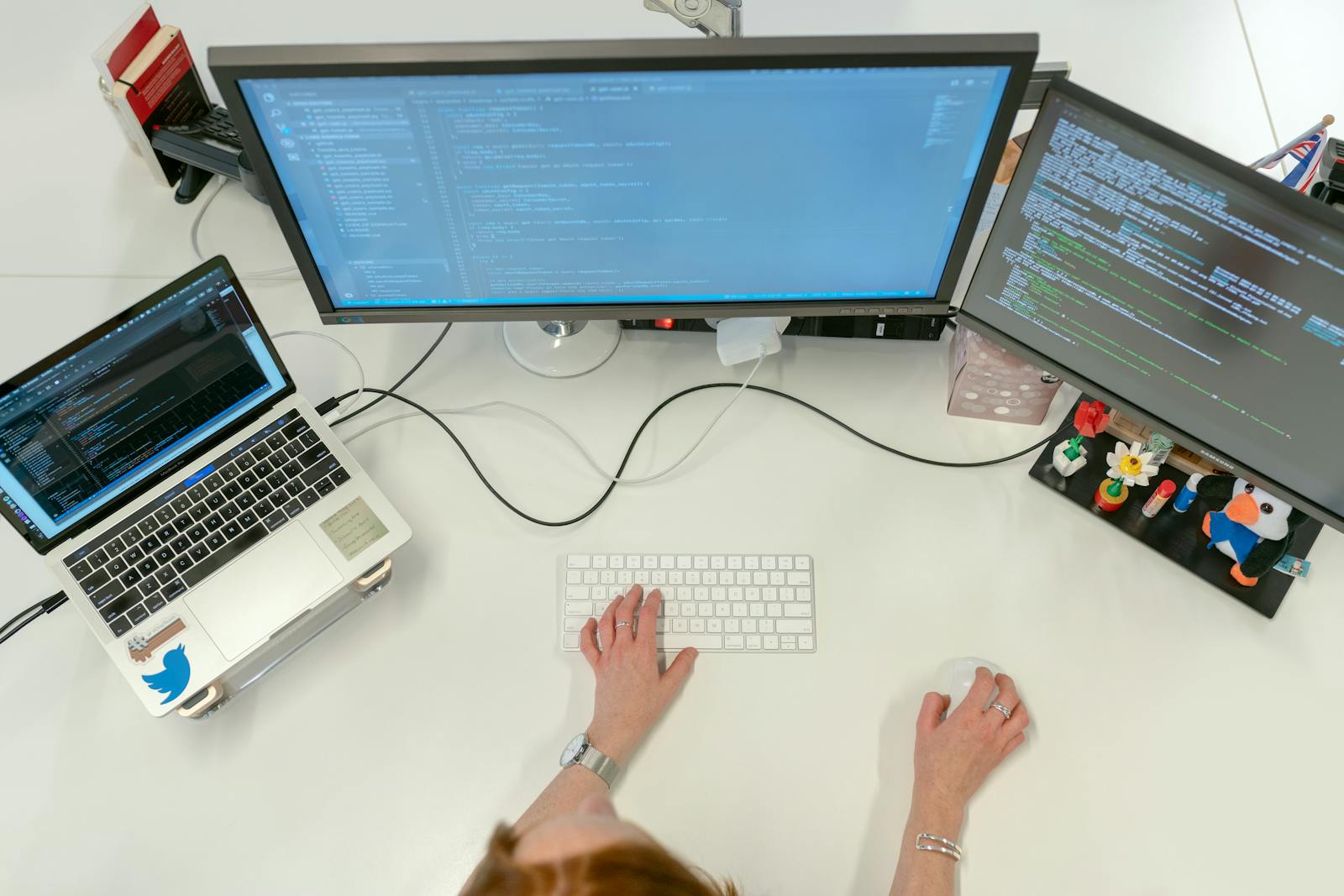
I do not treat SEO drops as a content volume problem anymore. I treat them as a debugging problem. That mindset is why this process works.
Run This 9-Step SEO Debug Flow
Open Meta and OG GeneratorIf you want, paste one failing URL in the comments. I can suggest the first two checks I would run.
Meta Description (140 chars)
First-person 2026 SEO debug playbook for tool sites: fix schema warnings, restore CTR, and improve AdSense-ready page quality this week too.
Build the fix while the problem is still fresh
Web Ocean Developer bundles the same browser-based generators and validators these articles reference, so you can move from diagnosis to release without switching tools.