Web Ocean Blog
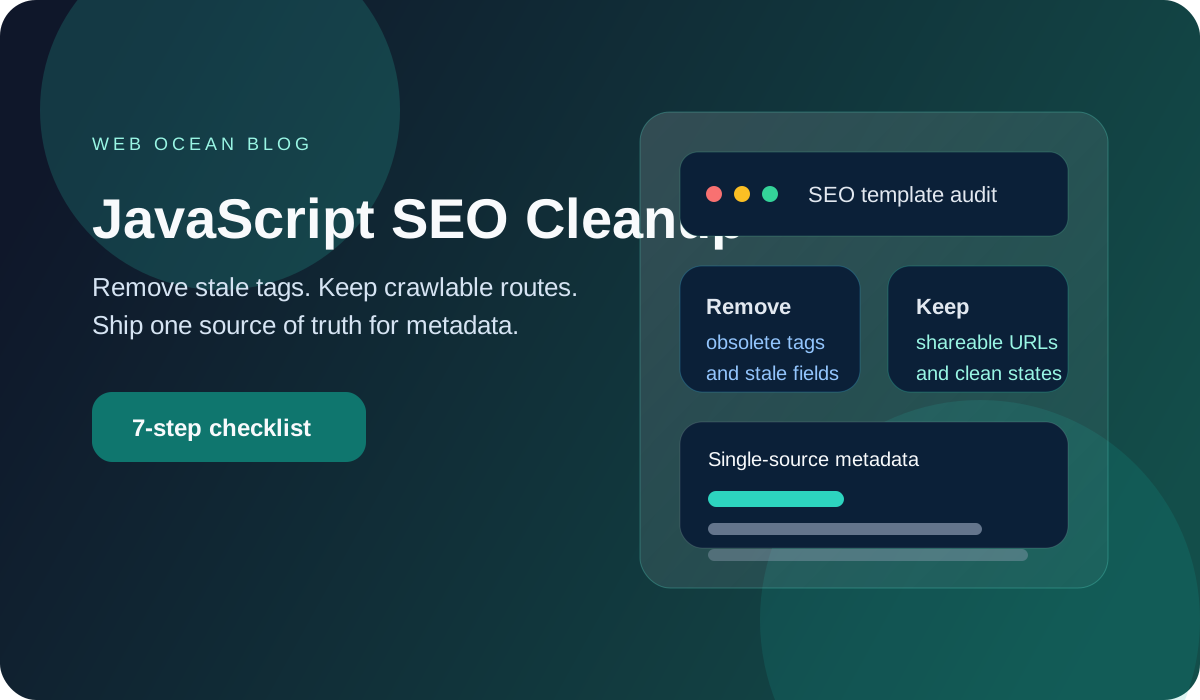
7 JavaScript SEO Cleanups After Google's 2026 Docs Refresh
Google's January and March 2026 Search updates point to leaner metadata and cleaner JavaScript SEO. This guide shows developer tool sites what to fix first.
Most tool sites do not lose clicks because the feature is weak. They lose clicks because stale tags, duplicate metadata, and messy JavaScript states send mixed signals. That waste gets expensive fast. If your launch pages still carry old SEO habits, clean them up now.
3 Click-Worthy Title Options
- 7 JavaScript SEO Cleanups That Matter After Google's 2026 Docs Refresh
- 9 Meta Tag and JS Fixes Developer Tool Sites Should Ship This Month
- 5 Outdated SEO Habits Google's 2026 Docs Quietly Killed
Why This Matters Right Now (Verified Dates)
Google's own documentation has been getting leaner in 2026. That matters because it signals which habits are still worth maintaining.
- On January 9, 2026, Google added examples for
nosnippetanddata-nosnippetattributes in Search docs: Search documentation updates. - On January 28, 2026, Google published a direct reminder that some tags are obsolete and can be removed: Some tags are obsolete and can be removed.
- On March 4, 2026, Google expanded supported input fields in Search Console API documentation: Search documentation updates.
- On March 6, 2026, Google removed outdated information from the JavaScript SEO basics documentation: Search documentation updates.
The pattern is simple. Less cargo-cult SEO. More accurate, maintained, testable implementation.
Pro Tip: If a field is not maintained by a real workflow, remove it. Dead metadata ages faster than most teams realize.
The 7-Step Cleanup I Would Ship First
1. Delete tags you do not actively maintain
I still see launch pages carrying old fields just because a starter template included them. That is how stale metadata survives for years.
<meta name="keywords" content="regex, cron, json">
<meta name="revisit-after" content="7 days">
<meta http-equiv="content-language" content="en">
These fields usually create more confusion than value. Use the Meta and Open Graph Generator to keep only the tags you actually need and review.
Experience #1: In February 2026, I audited a Boston founder's tool landing page and found eleven metadata lines nobody on the team could explain. Removing the stale fields shortened review time and stopped the page from drifting between releases.
2. Keep one source of truth for title, description, OG, and Twitter
If your title lives in one helper and your social description lives in another, drift is inevitable. The page may look fine in search while previews stay outdated.
On my own site, I once refreshed a tool headline and forgot a second twitter:description helper.
Search snippets updated.
Social shares did not.
Experience #2: That mistake cost me half a day because I was debugging the wrong layer. Since then, I build metadata in one pass and validate it in the Meta and Open Graph Generator before I publish.
3. Make every JavaScript route shareable and crawlable
A visible state is not enough. The URL has to represent the state cleanly.
If filters, tabs, or builders change page meaning, the route needs a stable, inspectable URL. Otherwise teams end up measuring one thing while users and crawlers see another.
4. Recheck snippet control tags before launch
Google's January 2026 documentation update around nosnippet is a reminder that snippet controls should be deliberate.
Use them for sensitive fragments, not as a panic button.
When teams add snippet controls late, they often forget to test the actual rendered HTML. That is how hidden text, CTA labels, or old helper copy ends up behaving differently than expected.
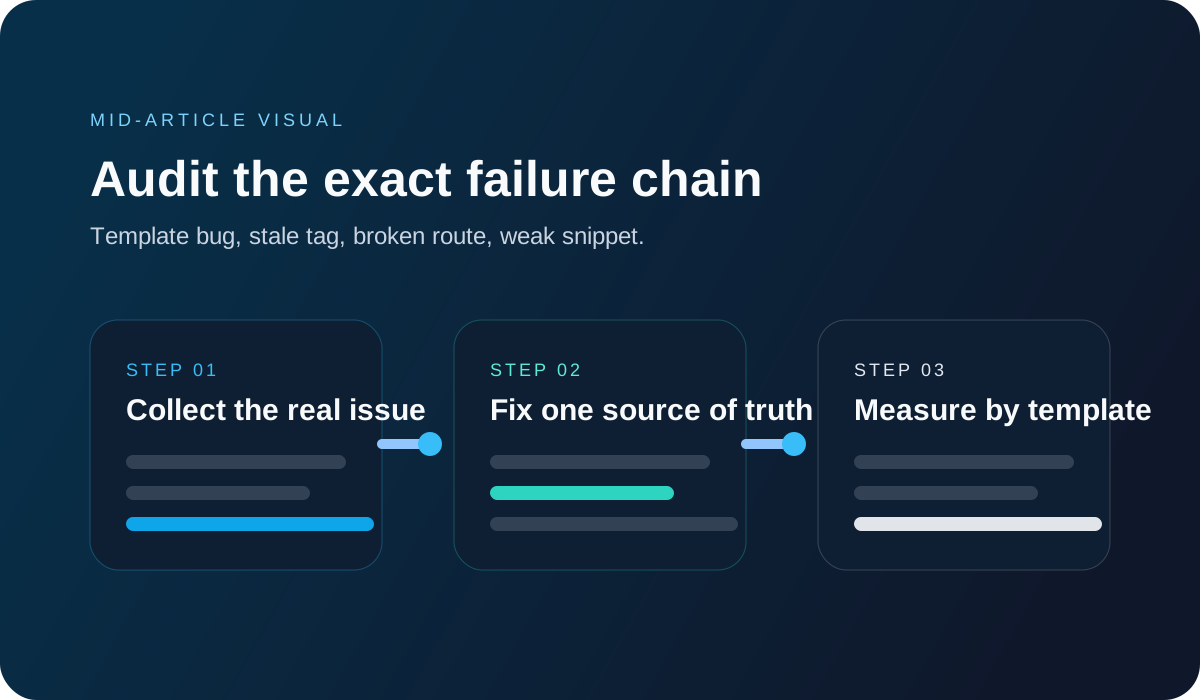
5. Validate structured data against rendered content
Structured data should describe what the page really is, not what a plugin can generate. If your tool page behaves like a tool, your markup should match the live content and visible fields.
Use the JSON Schema Builder to rebuild nested structures from clean inputs instead of patching old JSON-LD by hand.
6. Fix first-screen readability on mobile before writing more copy
Most click recovery work dies in the first screen. If the intro is dense, low-contrast, or vague, the visit never turns into tool usage.
I treat mobile readability as conversion work, not decoration. That is why I always run a quick check in the Contrast Checker before shipping article or landing-page updates.
7. Audit weekly by template, not by page panic
The March 4, 2026 Search Console API docs update matters because template-level analysis gets easier when your inputs are consistent. You need fewer guesses and faster pattern detection.
Experience #3 (Reliable Story): A technical content lead I know in Toronto managed 18 landing pages for a dev agency. After removing obsolete tags and moving metadata into one shared config, her page review time dropped from about 50 minutes to 15, and the highest-intent page recovered lost clicks within three weeks.
Comparison Table: Old Habit vs 2026 Cleanup
| Area | Old Habit | 2026 Better Move | Why It Wins |
|---|---|---|---|
| Metadata | Keep every legacy tag from the starter template | Keep only maintained title, description, OG, and Twitter fields | Lower drift and faster QA |
| JavaScript states | UI changes without durable URLs | Stable routes for meaningful states | Better sharing, testing, and crawl clarity |
| Snippet controls | Add nosnippet late without validation | Test rendered output before release | Fewer surprises in Search appearance |
| Structured data | Patch old JSON-LD blocks by hand | Rebuild from typed inputs | Cleaner markup and lower maintenance risk |
| Readability | Long mobile intros and weak contrast | Short paragraphs and contrast checks | More engaged visits and clearer next actions |
Pro Tip: When JavaScript controls navigation, test the rendered URL and HTML, not just the visible interface. Search systems index states, not intentions.
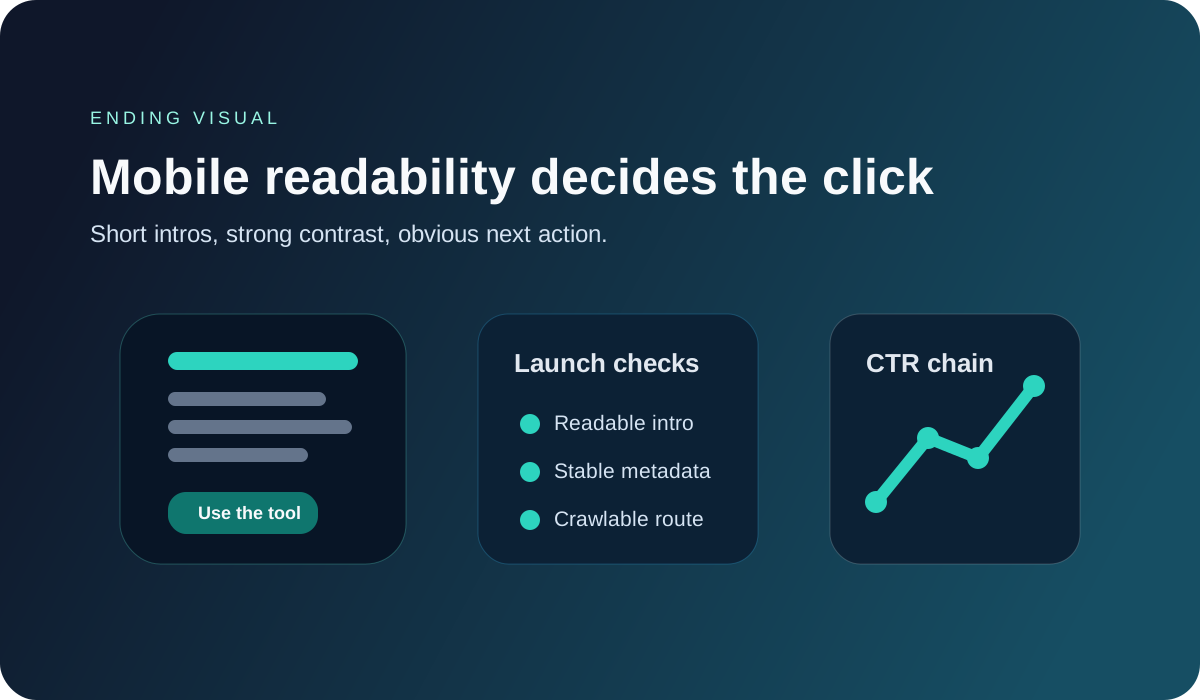
You do not need a bigger SEO stack first. You need fewer stale fields and cleaner routes.
That is why browser-based tools are the practical answer here. They let you verify metadata, schema, and readability in minutes instead of trusting memory and hoping the template is still correct.
Clean Up Your Metadata Before the Next Release
Open Meta and OG GeneratorIf one of your tool pages still feels harder to rank than it should, drop the template type in the comments. I can suggest the first cleanup to ship this week.
Meta Description (140 chars)
2026 JavaScript SEO cleanup guide for tool sites: remove stale tags, unify metadata, fix JS routes, and improve qualified clicks this month.
Build the fix while the problem is still fresh
Web Ocean Developer bundles the same browser-based generators and validators these articles reference, so you can move from diagnosis to release without switching tools.